Skip to content

ProjectsKitoss

App, 2026

Swipe through your own photos and decide what stays.
In development
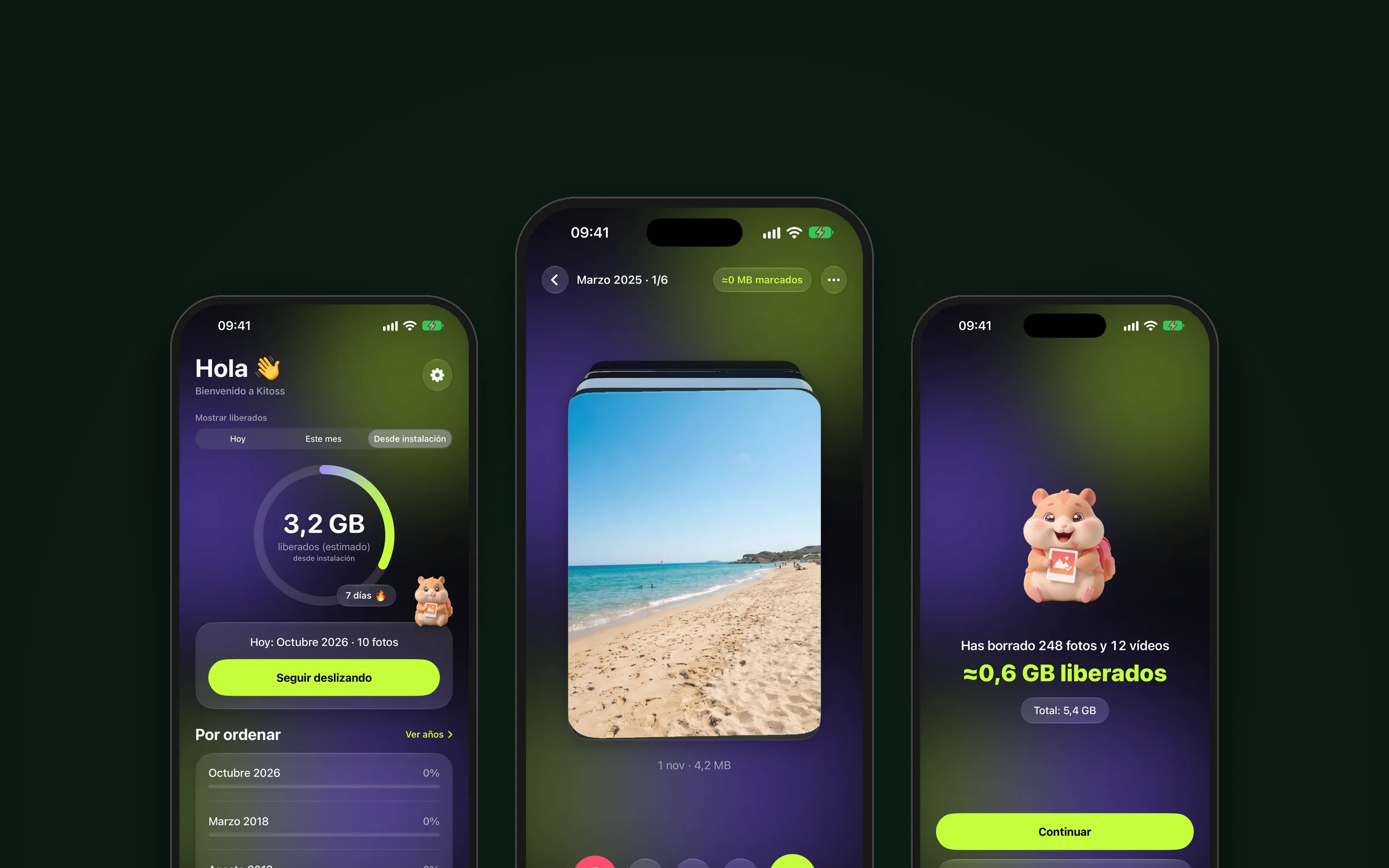
Kitoss cover: three screens of the app

iOS app in development: swipe your photos right to keep, left to delete, up for favourites and down to decide later. Private by design, it collects no data.

Category
App
Year
2026
Status
In development
Technology
  • Swift
  • SwiftUI
  • StoreKit 2
  • Interface design
Links
No public link yet
01

Kitoss is an iOS app I'm developing. It hasn't been released yet.

02

  • Sort the iPhone photo library quickly, with one gesture per photo.
  • Respect privacy: the app collects no data.
03

Camera rolls keep growing and going through them photo by photo with the usual controls is slow.

04

Every photo is decided with a swipe:

  • Right: keep.
  • Left: delete.
  • Up: mark as favourite.
  • Down: decide later.

Beyond the gestures:

  • By month and year: your library sorted by date, showing how much of each month you've reviewed.
  • Shuffle mode: photos, videos or everything mixed, to review in no particular order.
  • Screenshots, selfies and “On this day”, each in its own section.
  • Files: the same as with photos, but with the documents on your iPhone. Hardly any app of this kind does it.
  • By size: the biggest items first, like heavy videos.
  • Compress photos and videos, and trim videos, without leaving the app.
  • Your 2026 in Kitoss: a shareable year in review with the space you freed, your longest streak and your tidiest month.
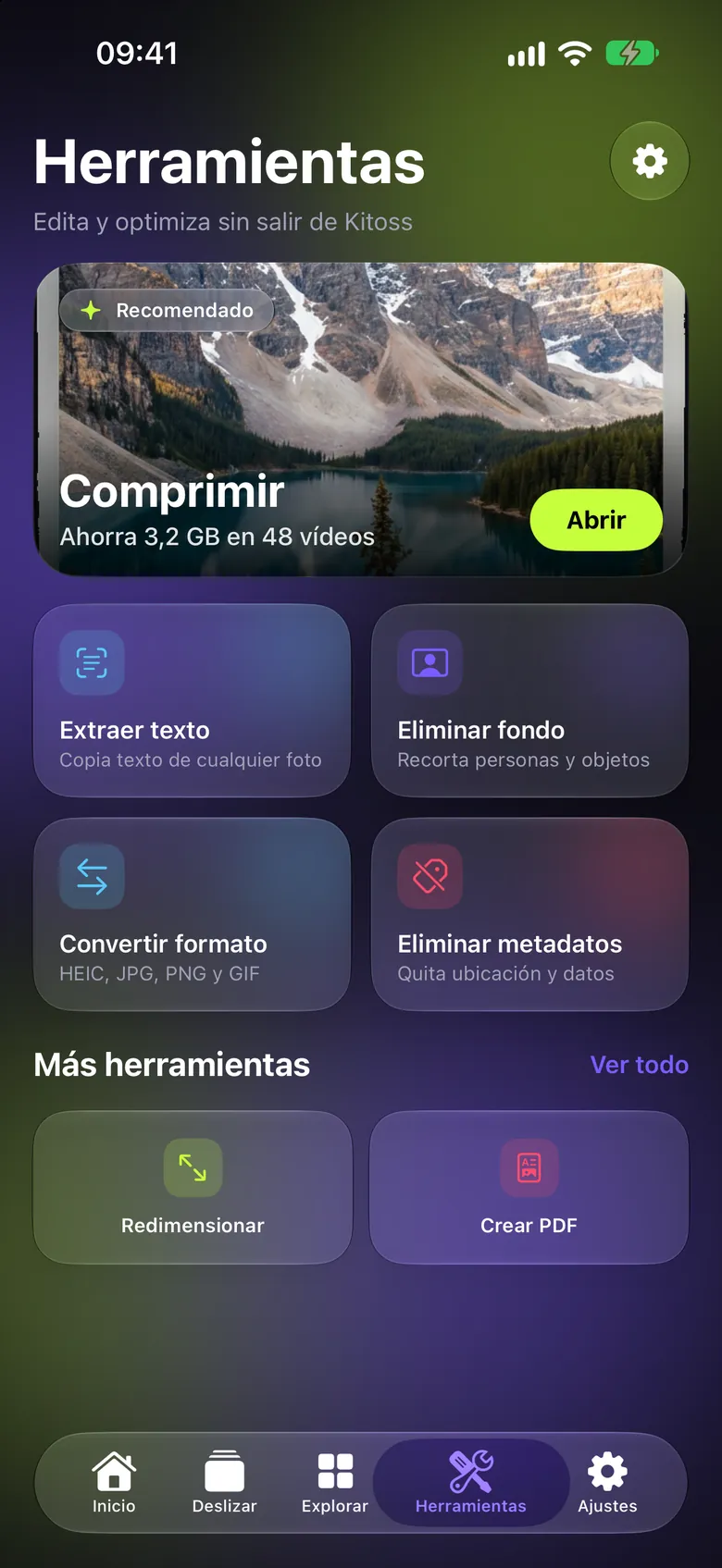
  • Tools: remove backgrounds, convert image formats, remove metadata, extract text, resize and create PDFs.
05

  • Native interface in SwiftUI.
  • In-app purchases with StoreKit 2.
  • Privacy by design: no data collection.
06

In development. The App Store launch is planned for 30 December 2026.
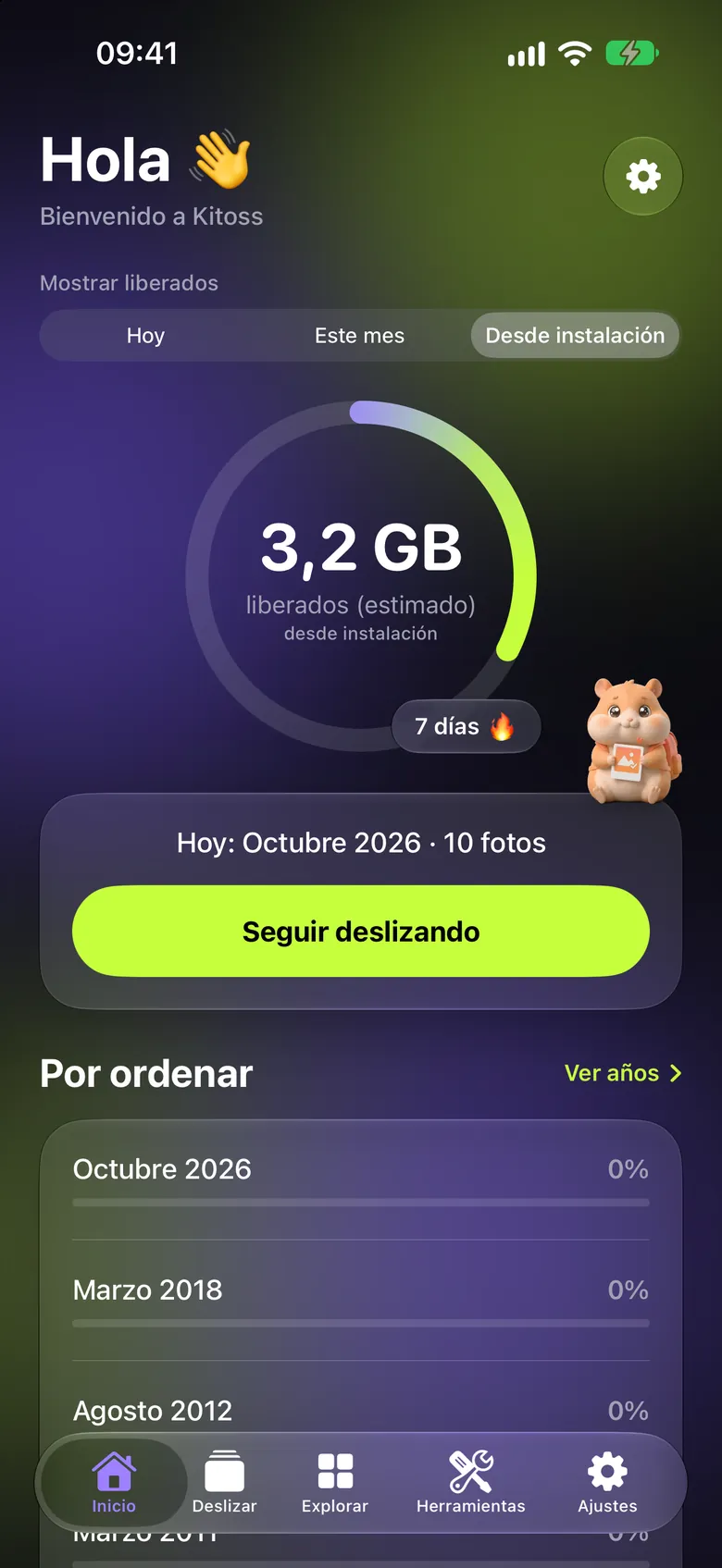
  • Kitoss home screen in dark mode: a “Hola” greeting, a progress ring with 3.2 GB freed since installing, a 7-day streak, the hamster mascot, the green “Keep swiping” button and the “To sort” list of months with how much of each has been reviewed.
    Your freed-up space
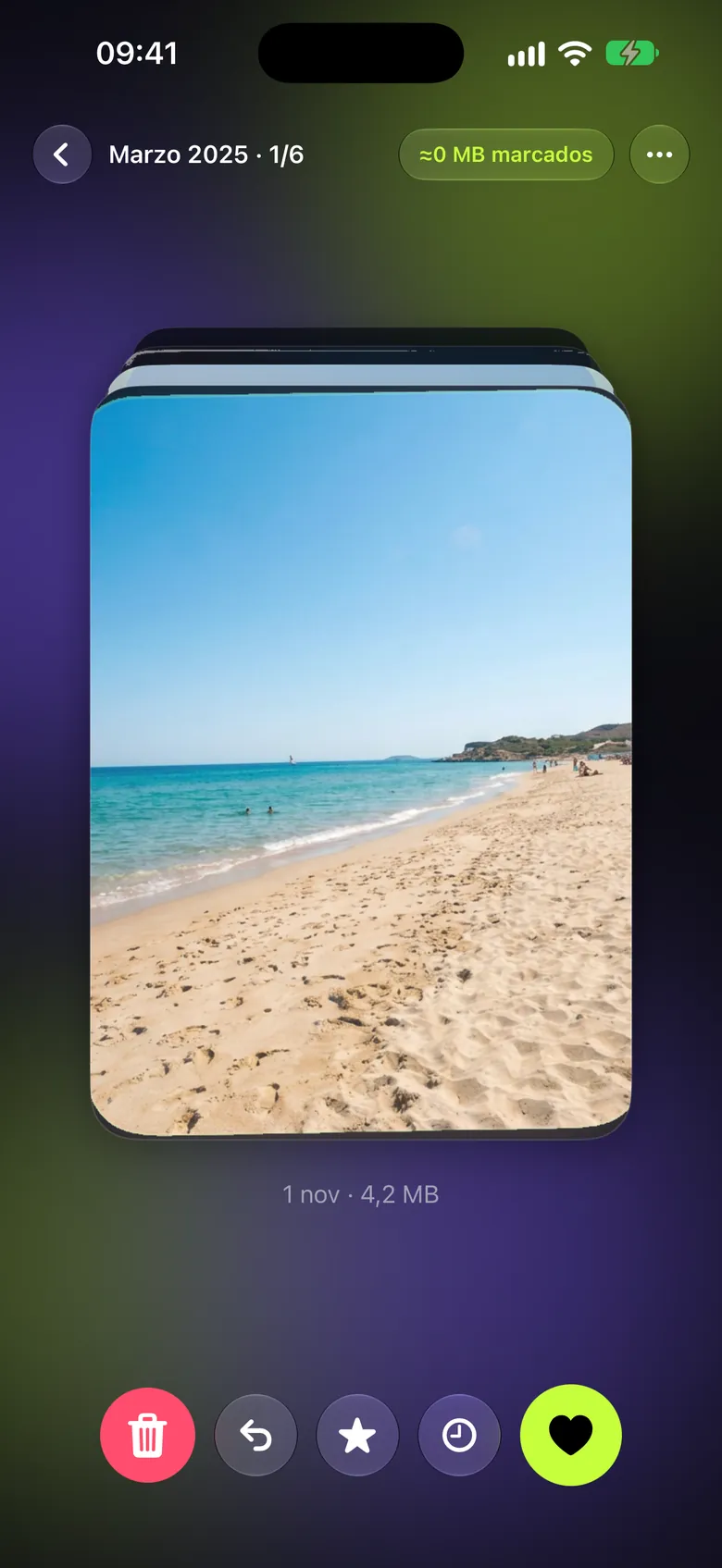
  • Swipe screen with a stack of photos: a sandy beach with turquoise sea on top, the “March 2025 · 1/6” counter and, below, the delete, undo, favourite, decide later and keep buttons.
    Swipe to decide
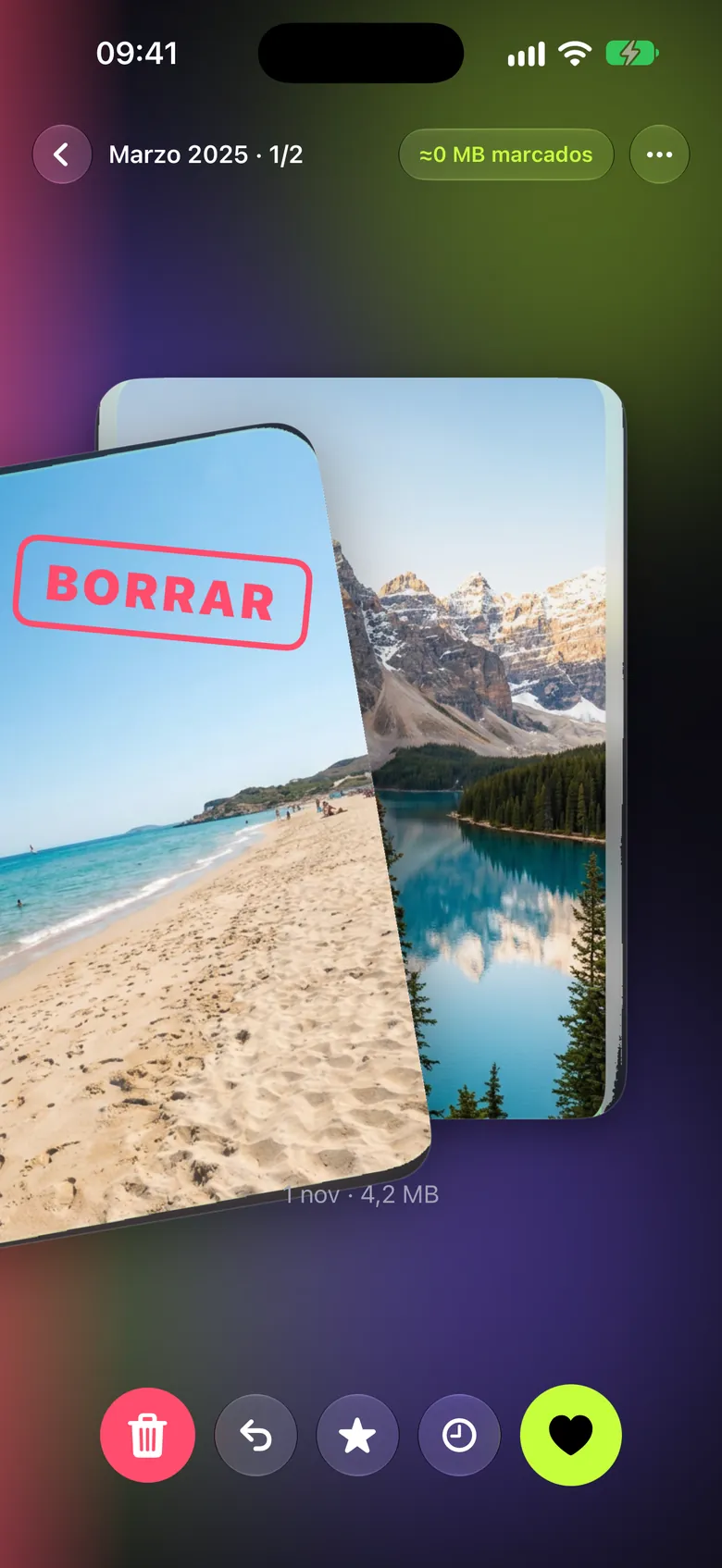
  • A beach photo dragged to the left with the red “DELETE” stamp, revealing the next photo underneath: a lake between mountains.
    Left to delete
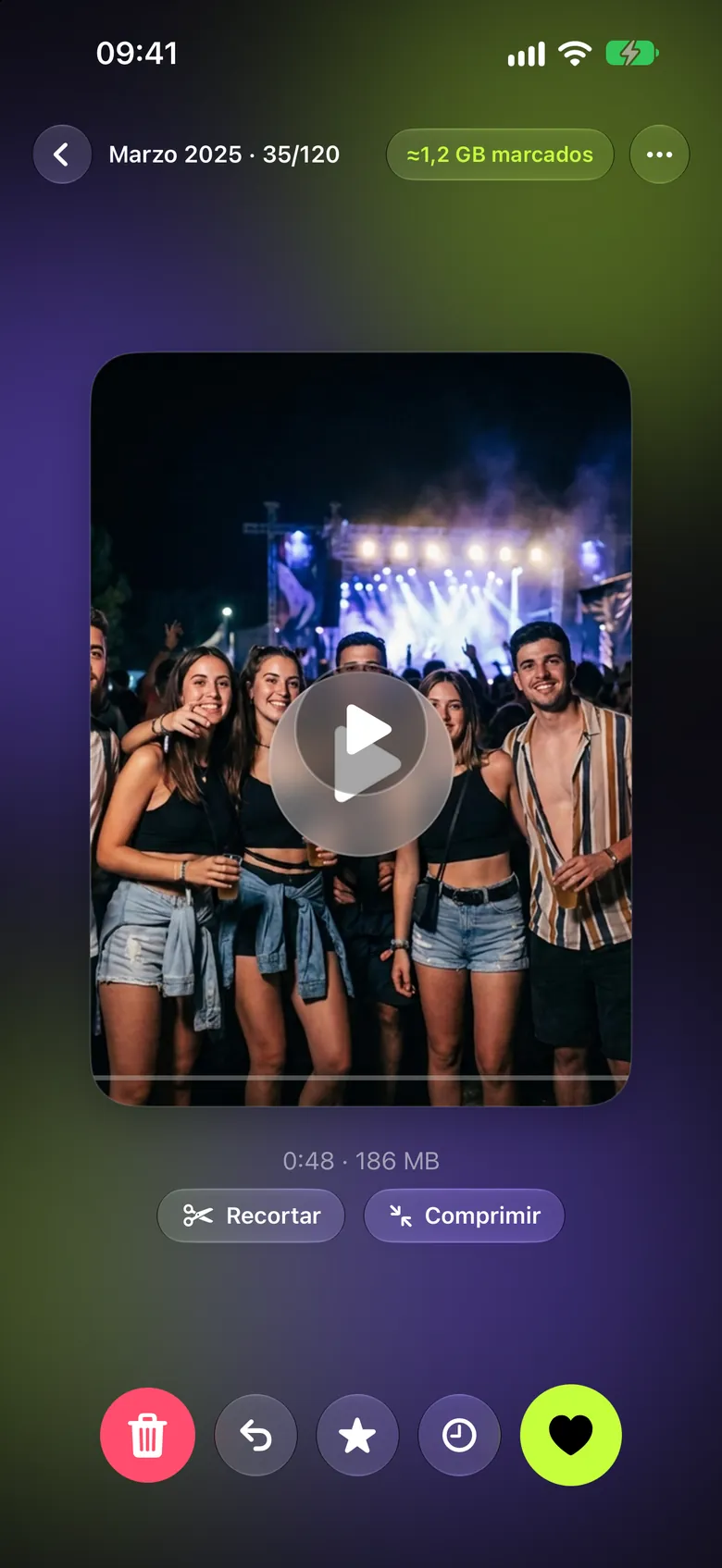
  • Card for a video of a concert with a group of friends, a play button, 0:48 long and 186 MB, with the “Trim” and “Compress” buttons.
    Videos that take up space
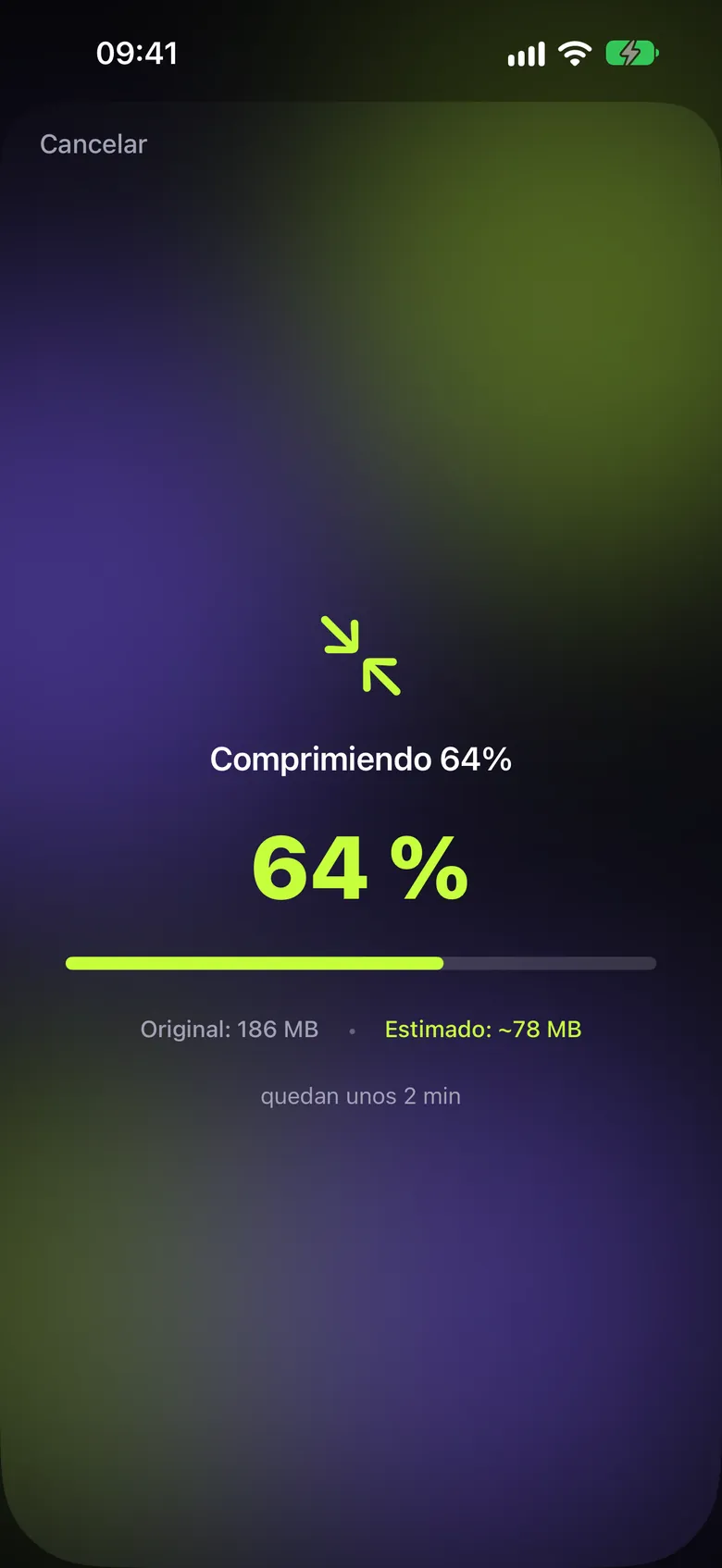
  • Video compression sheet at 64% with a green progress bar, 186 MB original size, about 78 MB estimated and about 2 minutes left.
    Compress without leaving the app
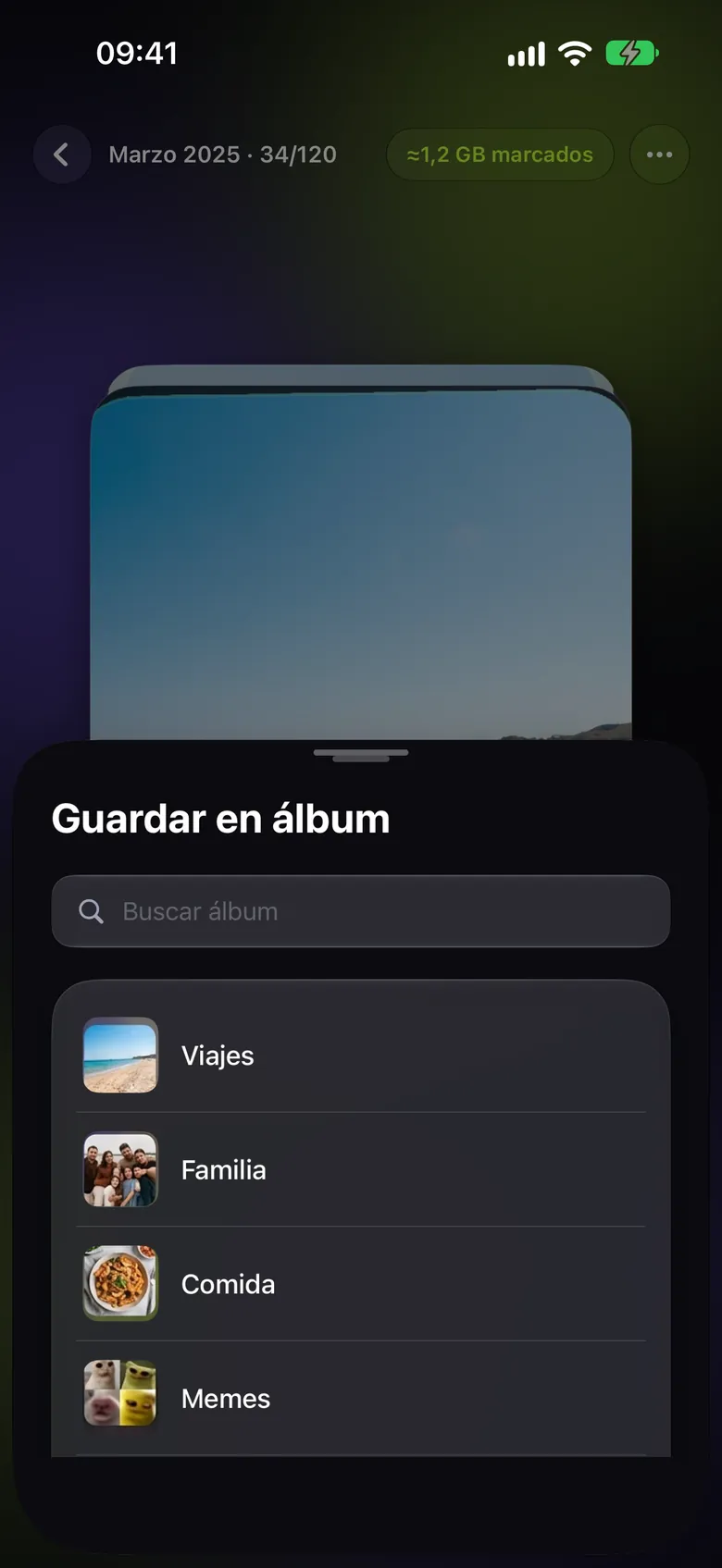
  • “Save to album” sheet with a search field and the Travel, Family, Food and Memes albums, each with its thumbnail.
    Save to albums
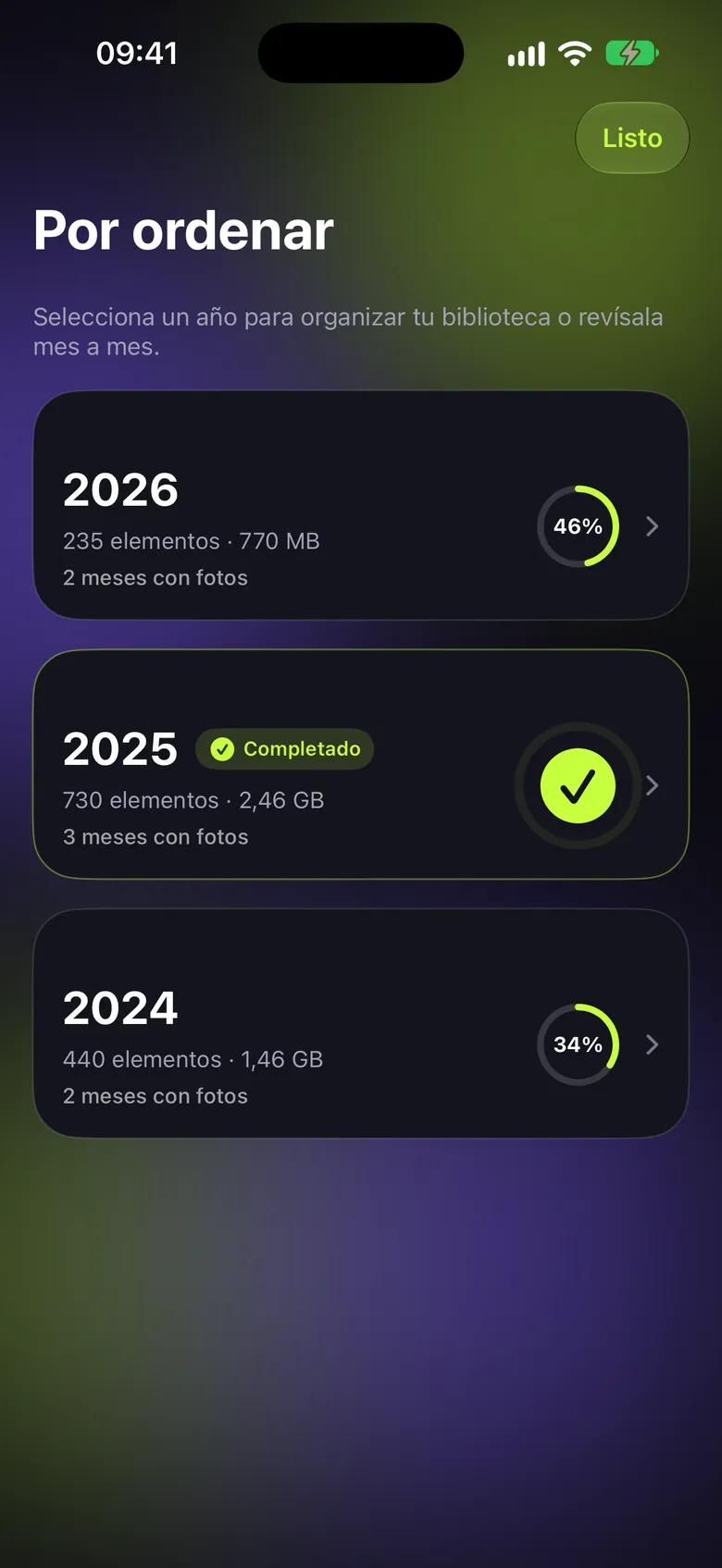
  • “To sort” list with cards for 2026, 2025 and 2024, the number of items, the space they take and a ring with the percentage reviewed; 2025 shows as completed.
    Your library by year
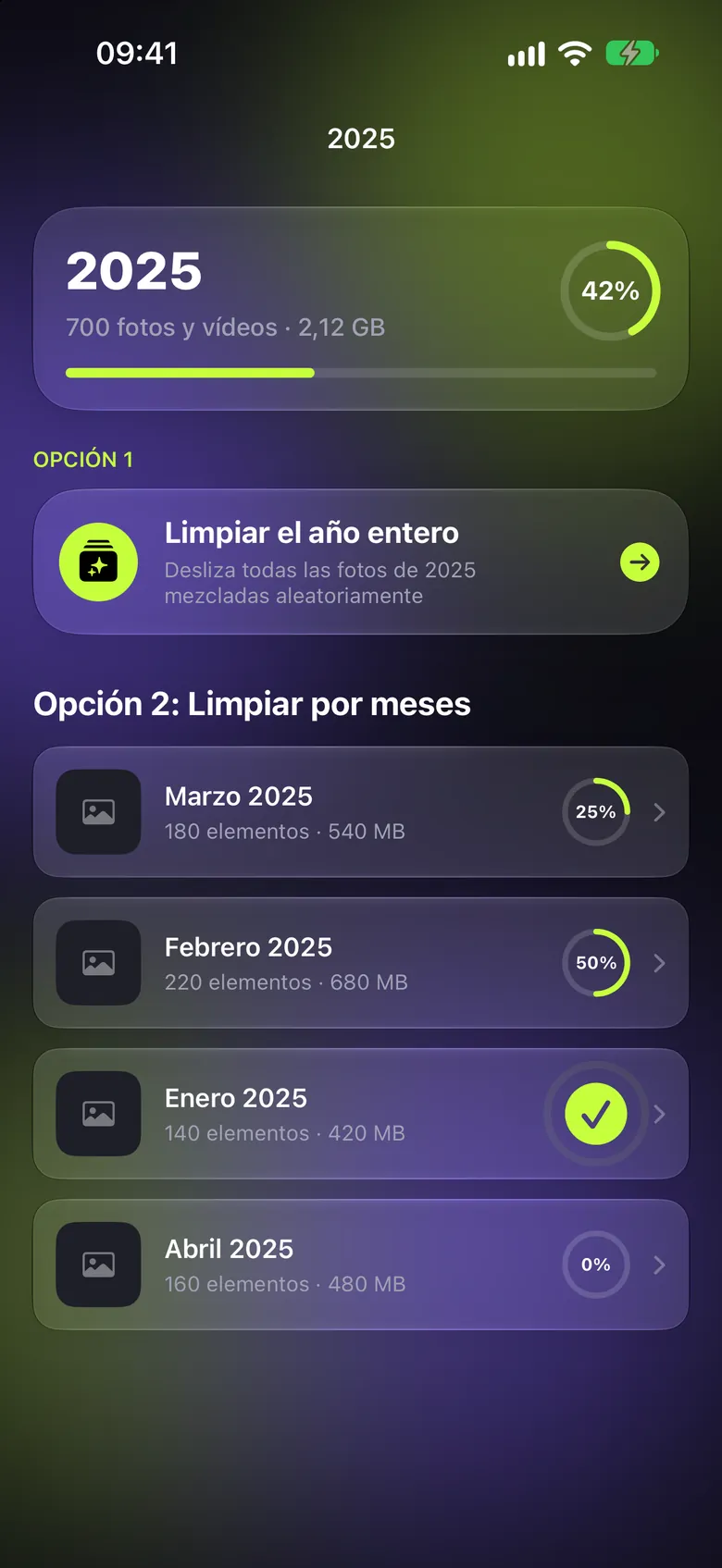
  • Detail of 2025: 700 photos and videos, 42% reviewed, the “Clean up the whole year” option and the list of months with their progress.
    Clean up month by month
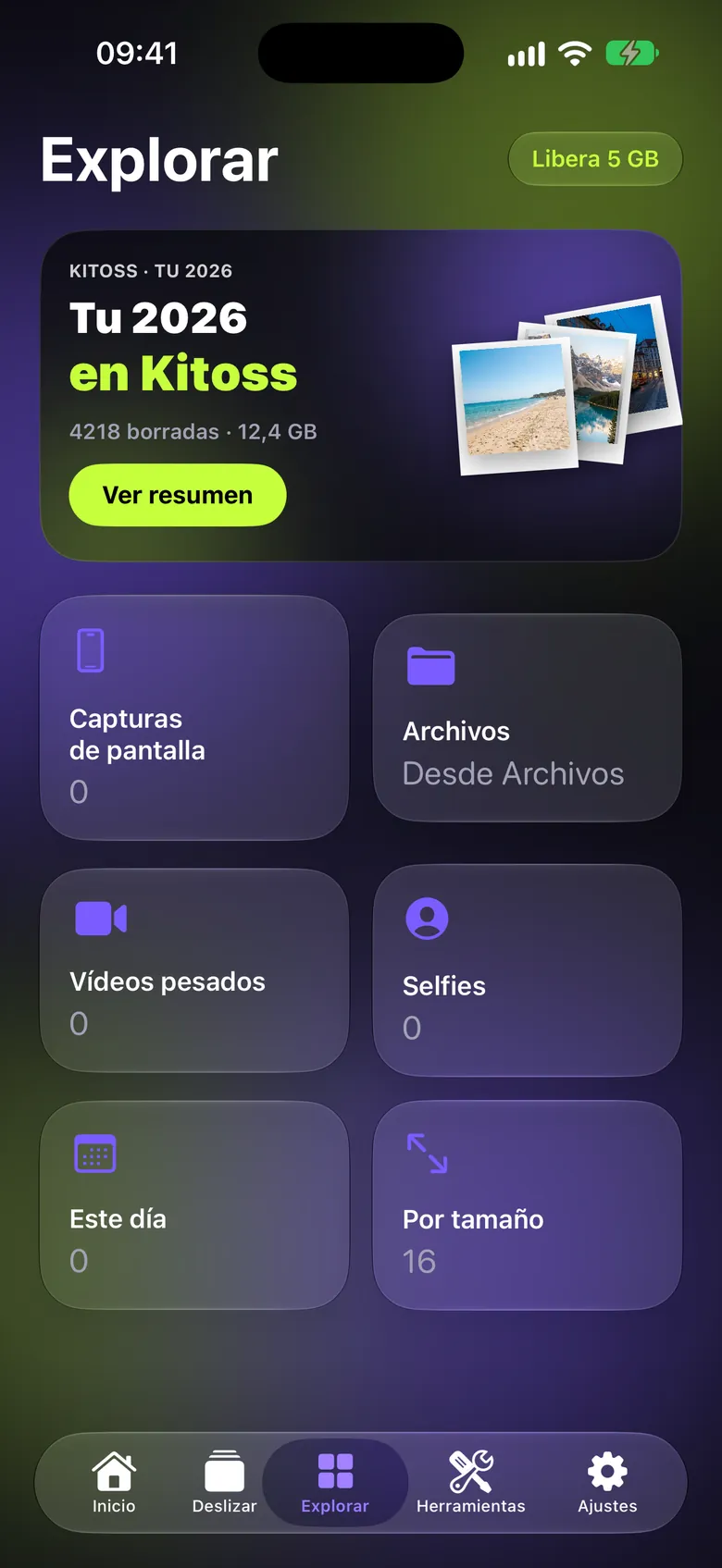
  • Explore tab with the “Your 2026 in Kitoss” card with polaroid photos and the “See summary” button, and below the Screenshots, Files, Heavy videos, Selfies, On this day and By size categories.
    Explore
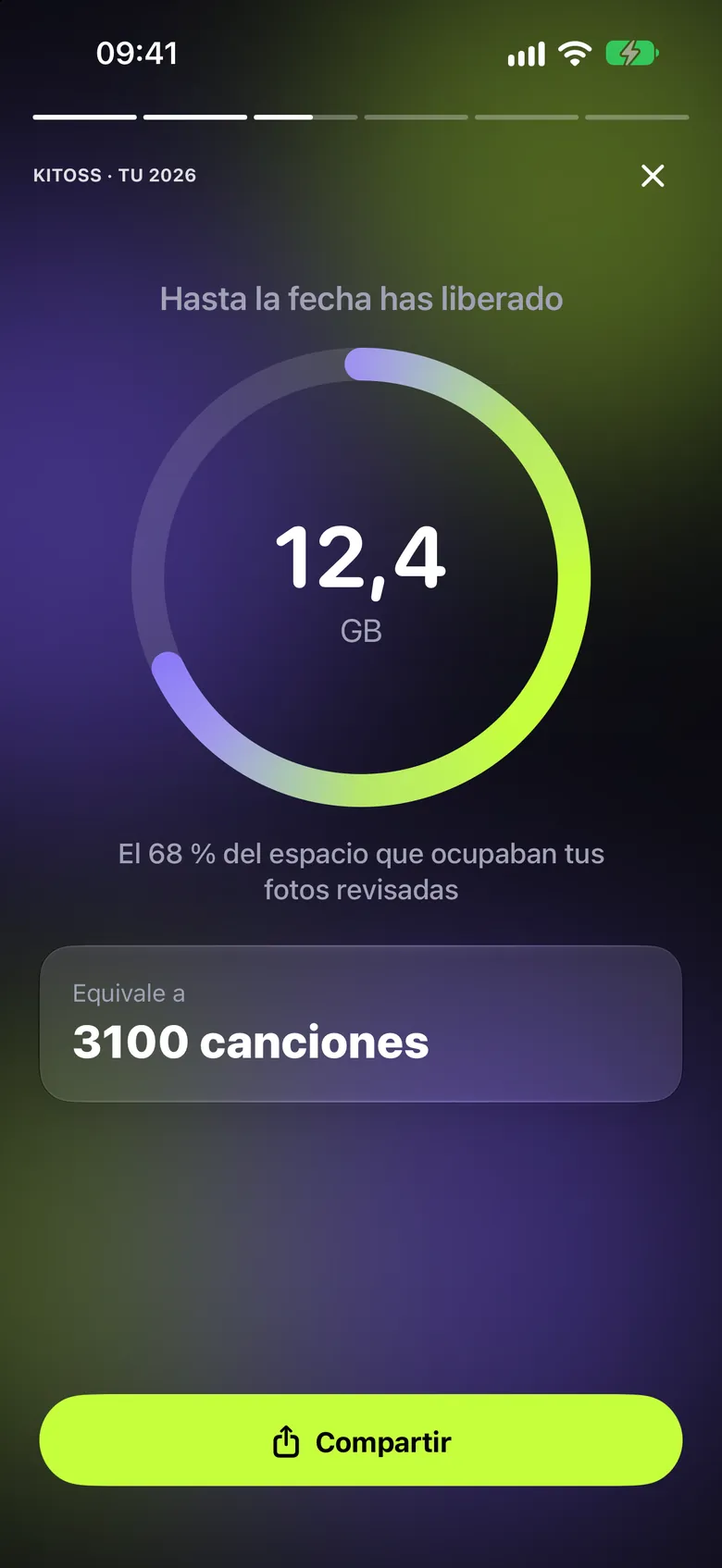
  • “Your 2026” yearly story: “So far you've freed” 12.4 GB in a ring, 68% of the space of the reviewed photos, the equivalent of 3,100 songs and the “Share” button.
    Your 2026 in Kitoss
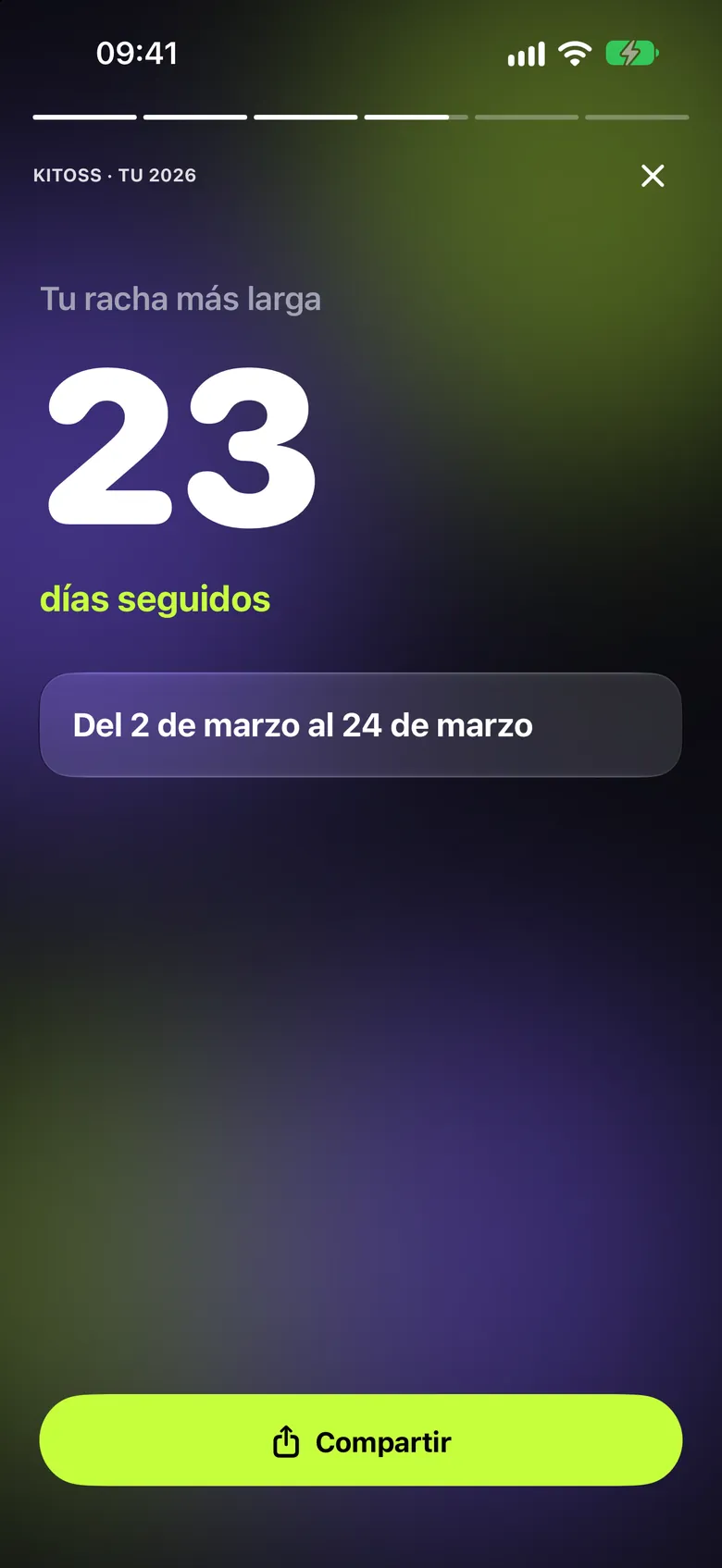
  • Page of the yearly story with the longest streak: 23 days in a row, from 2 to 24 March.
    Your longest streak
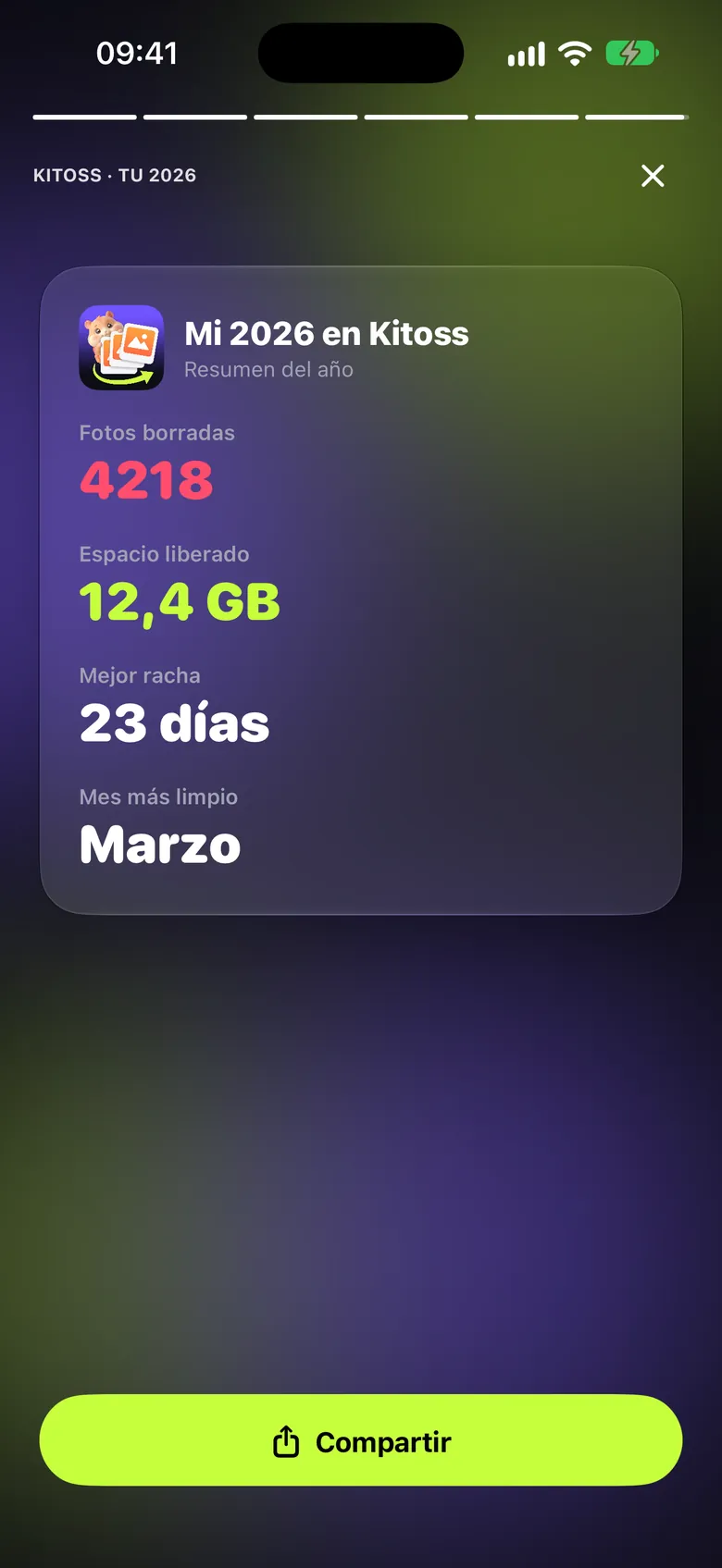
  • “My 2026 in Kitoss” card with 4,218 photos deleted, 12.4 GB freed, a 23-day streak and March as the tidiest month, plus the “Share” button.
    A summary to share
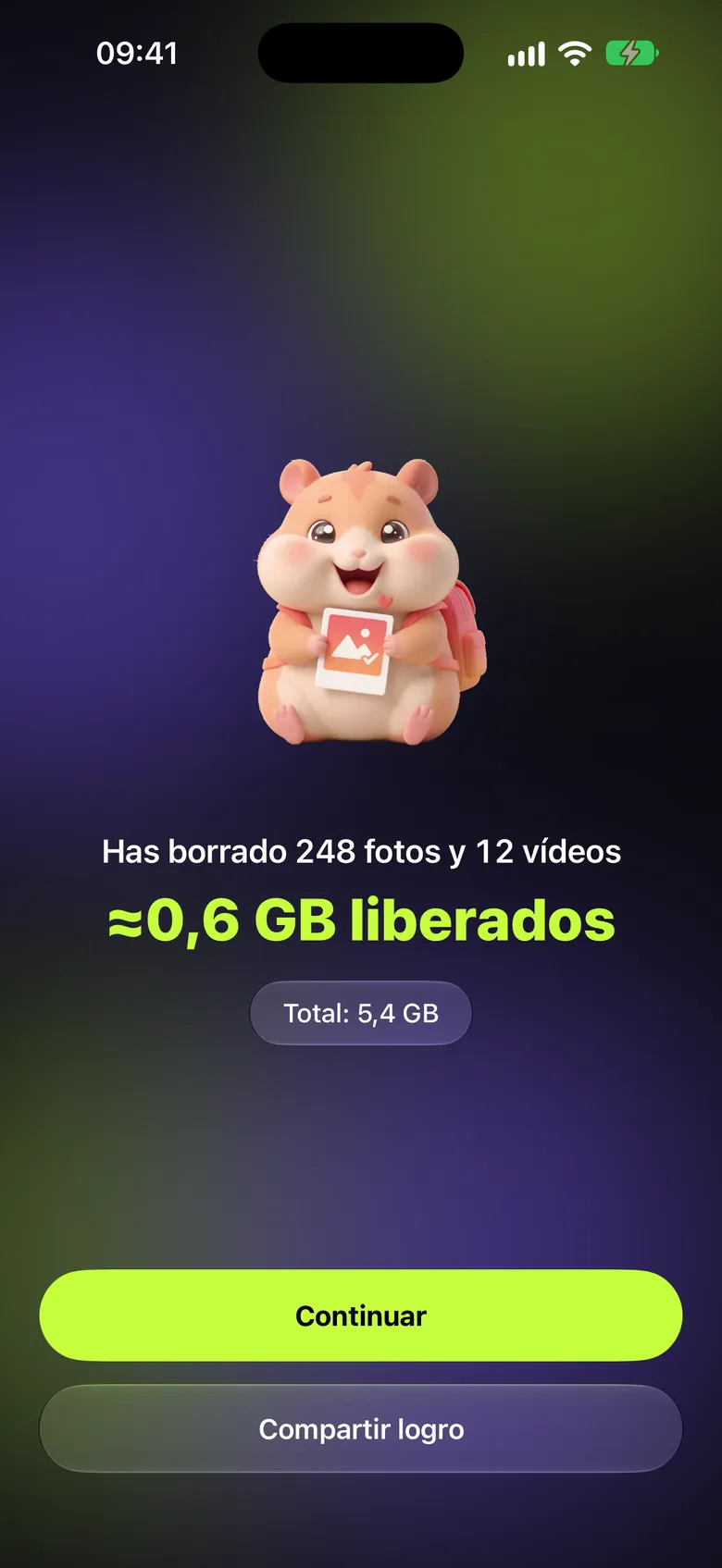
  • Celebration screen with the smiling hamster: “You deleted 248 photos and 12 videos”, “≈0.6 GB freed”, a 5.4 GB total and the “Continue” and “Share achievement” buttons.
    Celebrate every clean-up
  • Tools tab with the featured “Compress: save 3.2 GB across 48 videos” card and the Extract text, Remove background, Convert format, Remove metadata, Resize and Create PDF tools.
    Tools
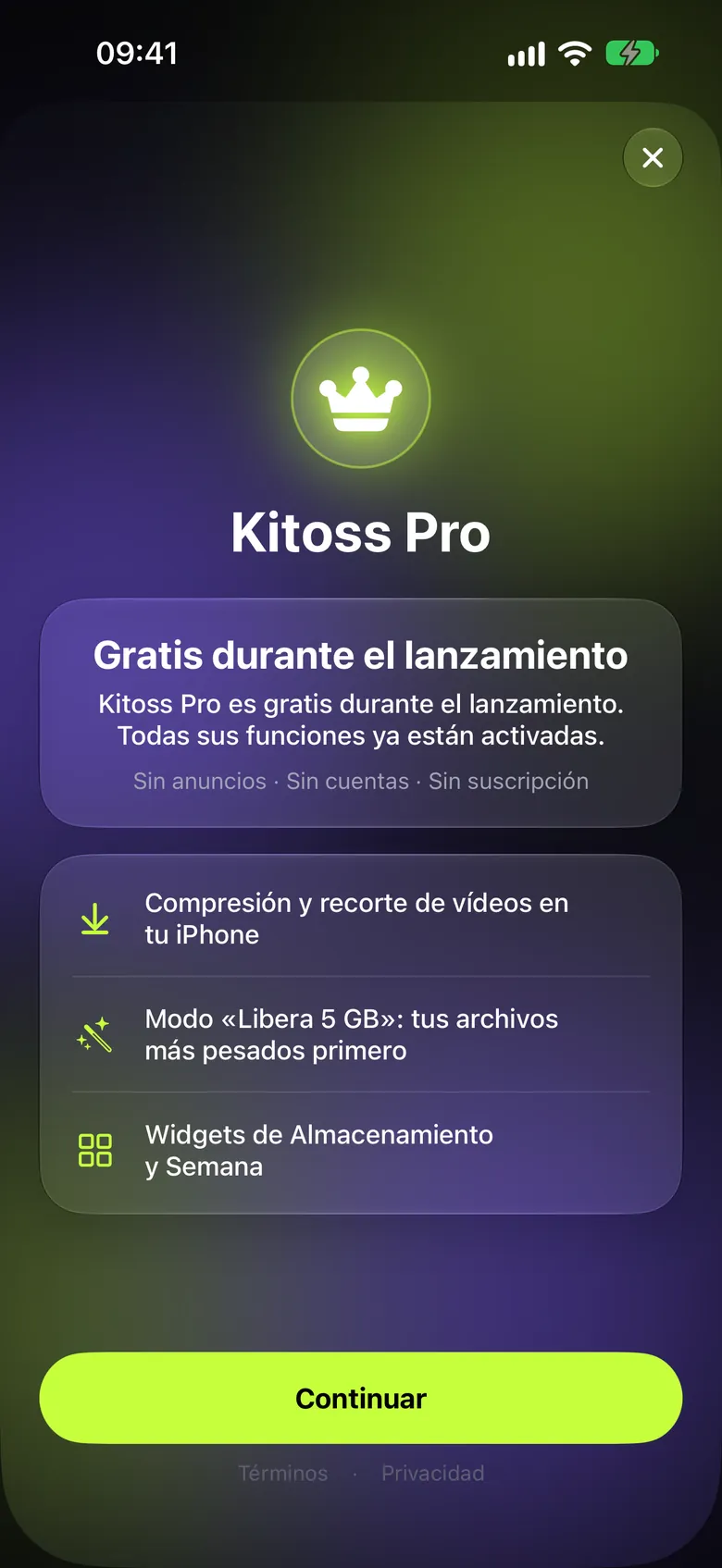
  • Kitoss Pro screen with a crown, the “Free during launch” message, the included features (video compression and trimming, “Free up 5 GB” mode and widgets) and the “Continue” button.
    Kitoss Pro, free
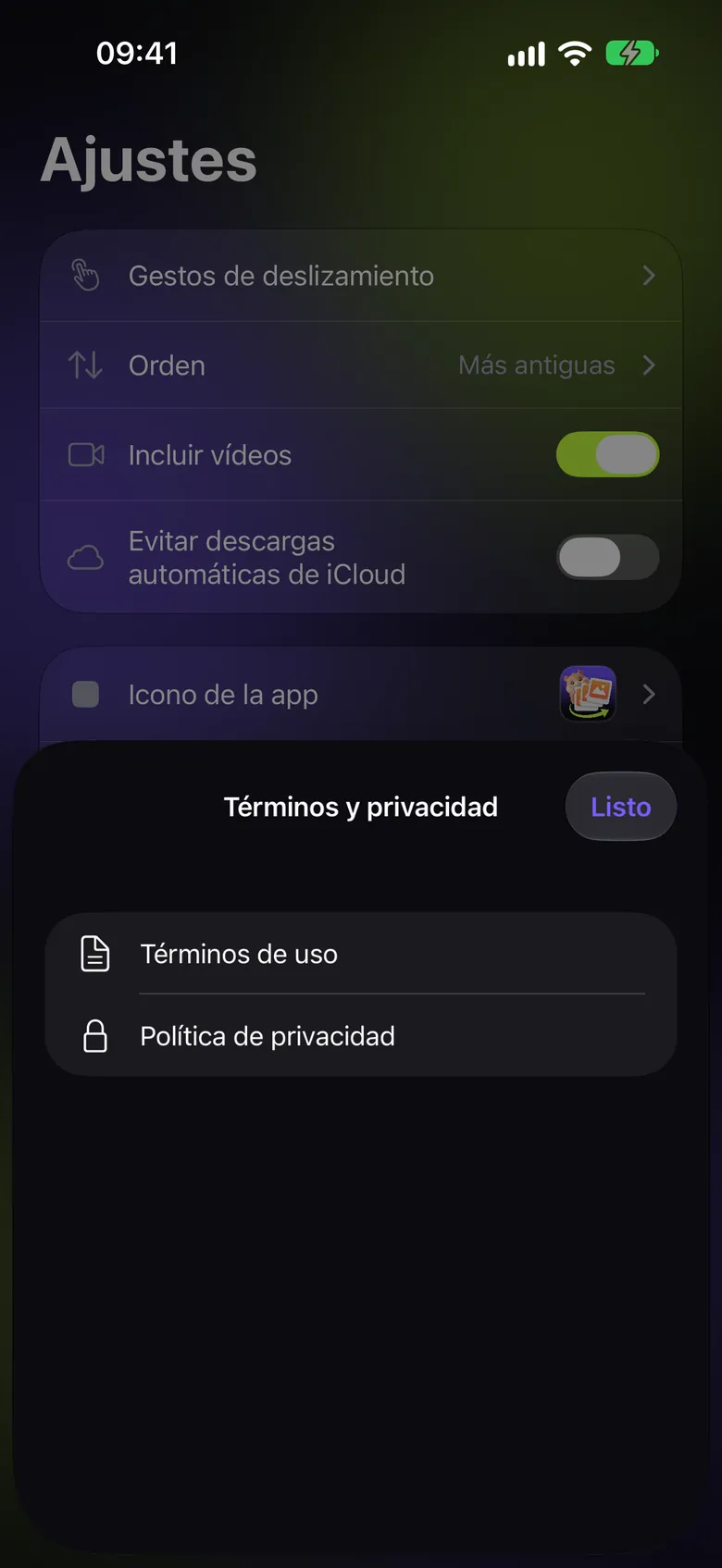
  • Settings with options for gestures, order, including videos, iCloud downloads and app icon, with the “Terms and privacy” sheet open showing “Terms of use” and “Privacy policy”.
    Settings

End of the case study for Kitoss

Back to all projects